7247 Young St, Machipongo, VA 23405

Functional Design with CAD for 3D Printing

Design useful objects that fit, move, and can be 3D printed.

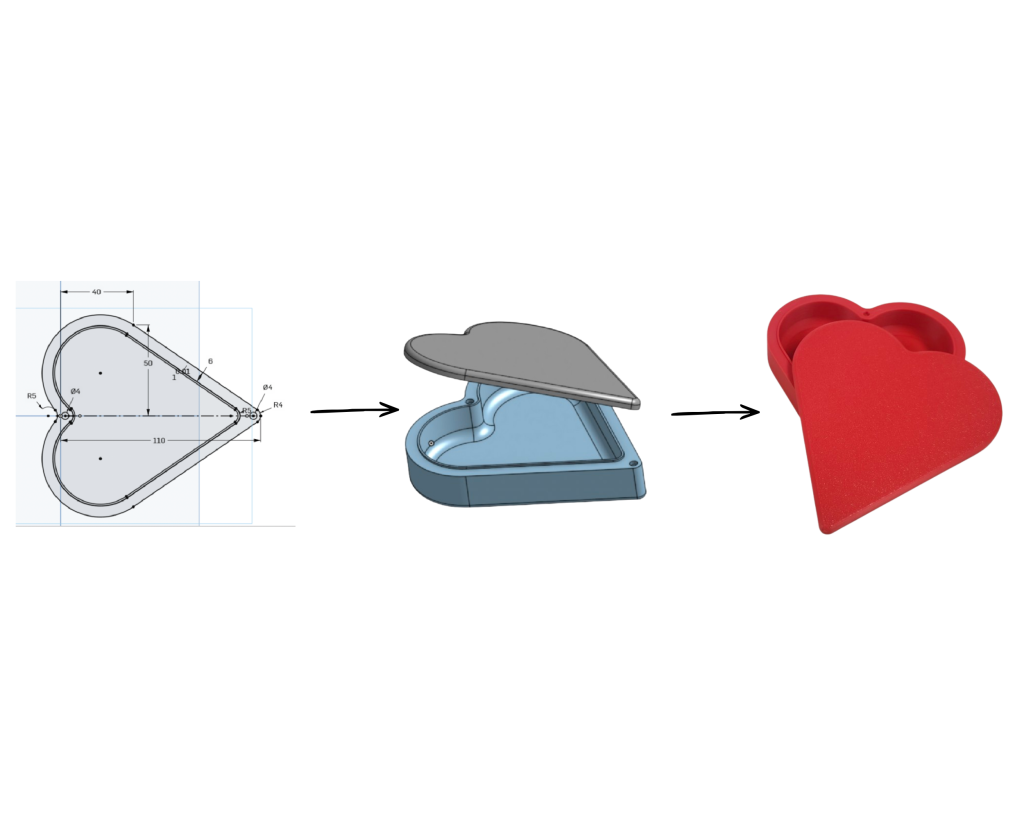
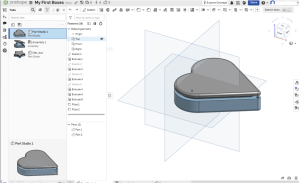
In this hands-on course, you’ll learn to use Onshape, a web-based CAD program, to design precise 3D parts. You’ll start with sketches, turn them into printable objects, and finish by designing a box with a moving hinge.

What You’ll Learn

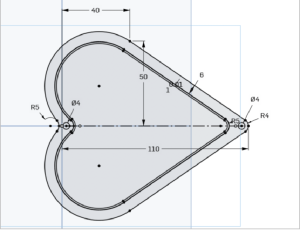
  • Create sketches using shapes, measurements, and constraints
  • Turn 2D sketches into 3D parts
  • Design pieces that fit together
  • Use assemblies to see how parts move
  • Plan for the spacing and shapes needed for 3D printing

The Three-Part Course

Each part is approximately four hours long. The course will be held over three class sessions on three consecutive Tuesdays: December 1, December 8, and December 15.

Part 1: Introduction to CAD and Sketching

Get familiar with Onshape and create a sketch using dimensions and constraints.

Part 2: Designing 3D Parts

Turn sketches into 3D objects and design a shaped box with a fitted lid.

Part 3: Assemblies and Moving Parts

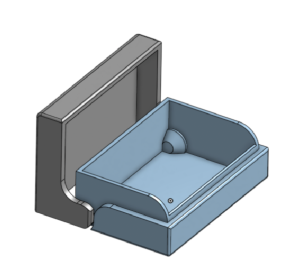
Explore how parts move together and design a print-in-place box with a hinged lid.

Before class

What to Bring

A laptop and access to your email.
Bring an email account you can open during class. You’ll use it to create and verify a free Onshape account in the first session.

About printing your project.
Students may have the opportunity to print their projects and pick them up later. Materials and printer maintenance fees may apply.

Sign Up for the 3-Day Course

This is a 3-day class series held on three consecutive Tuesdays: December 1, December 8, and December 15.

Participants should plan to attend all three class sessions, as each day will build on the skills and information covered in the previous class.

Complete the registration form below to sign up for the course. We’ll contact registered participants with any additional class details before the first session.